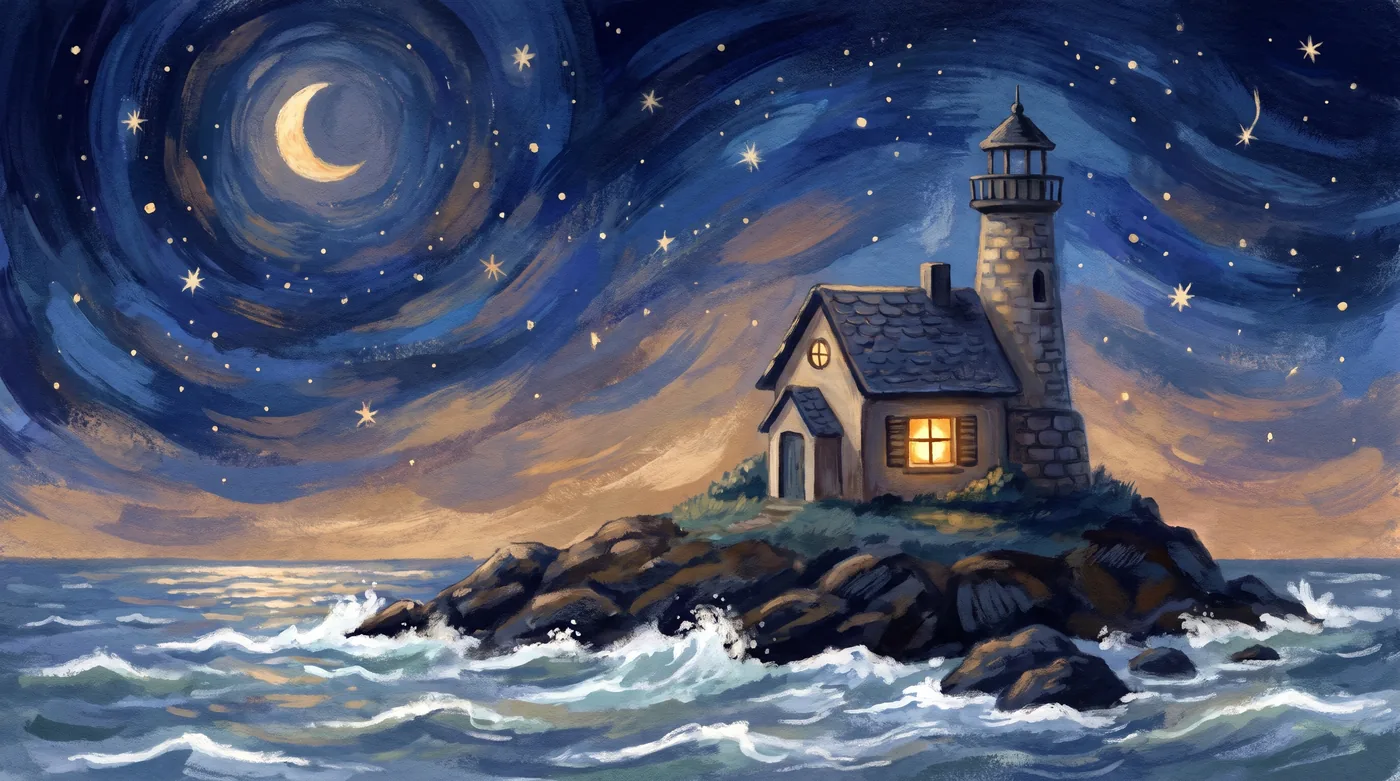
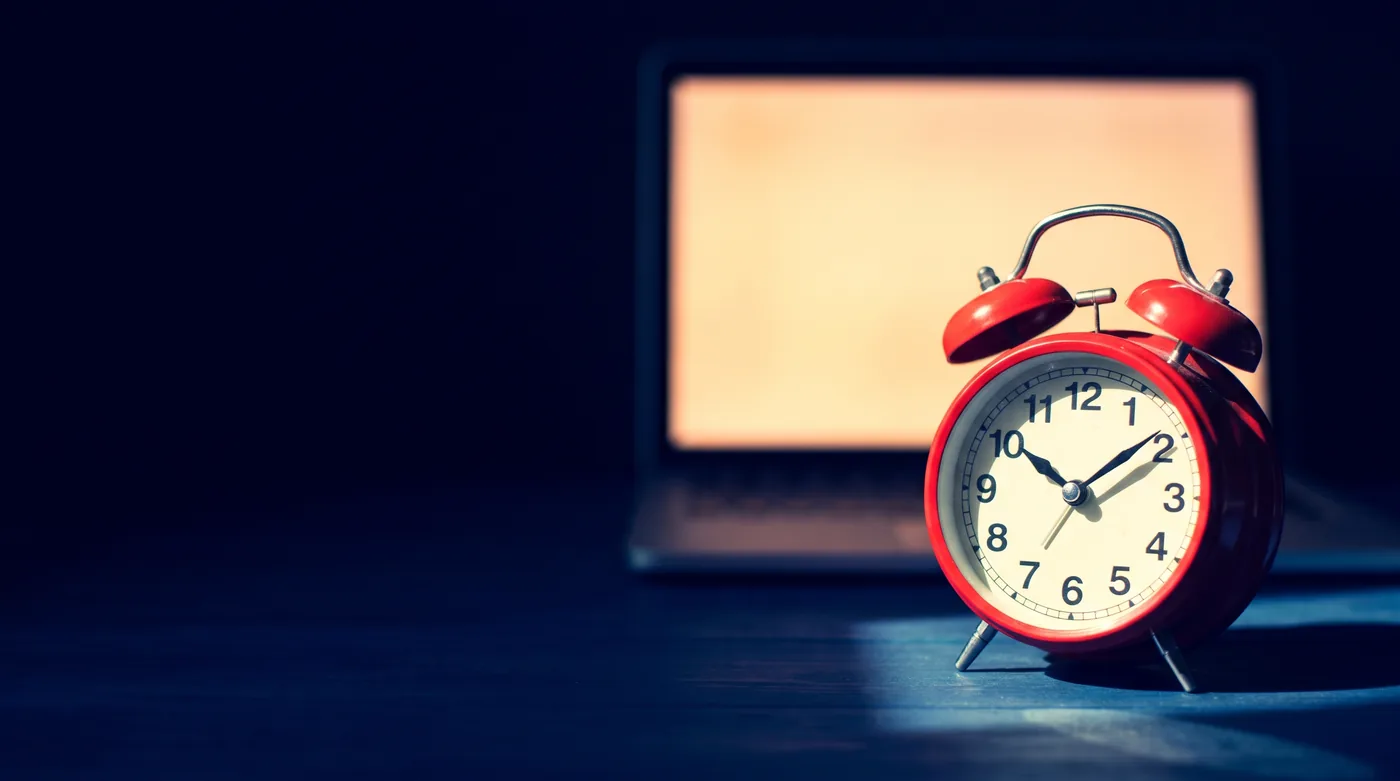
 Storybook illustration of a lighthouse keeper's cottage on a small rocky island at night, one…
AI image generator, free to try
Create images from a description, or edit and restyle your own with up to eight reference images. Standard or HD, 11 aspect ratios, on the same credits as your voiceovers.
No credit card required.
How it works
- Describe itWrite what you want to see: the subject, the setting, the light, the style. The more specific the description, the closer the first take.
- Pick size, shape and countStandard (1K) or HD (2K), one of 11 aspect ratios, and up to four images per run. The credit price shows before you generate.
- Keep or refineDownload the takes you like, or use any result as a reference for the next round.
Edit and restyle with reference images
Add up to eight reference images (JPG, PNG or WebP, up to 20 MB each) and say what should change. Put a product on a new background, carry the look of a mood board into a new scene, or keep a character's style across a series by feeding earlier results back in.
Upload only images you own or have permission to use. Photos of real people aren't supported yet.
What you can make
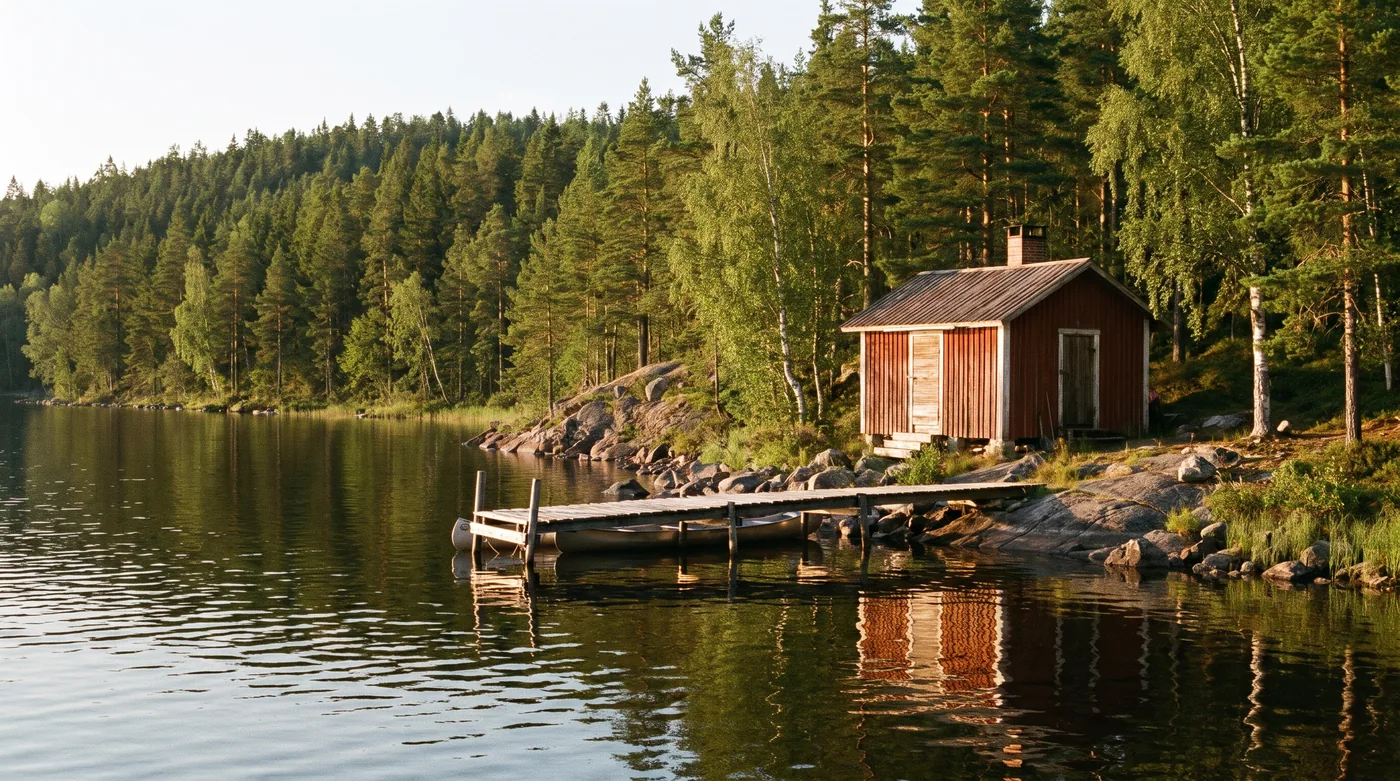
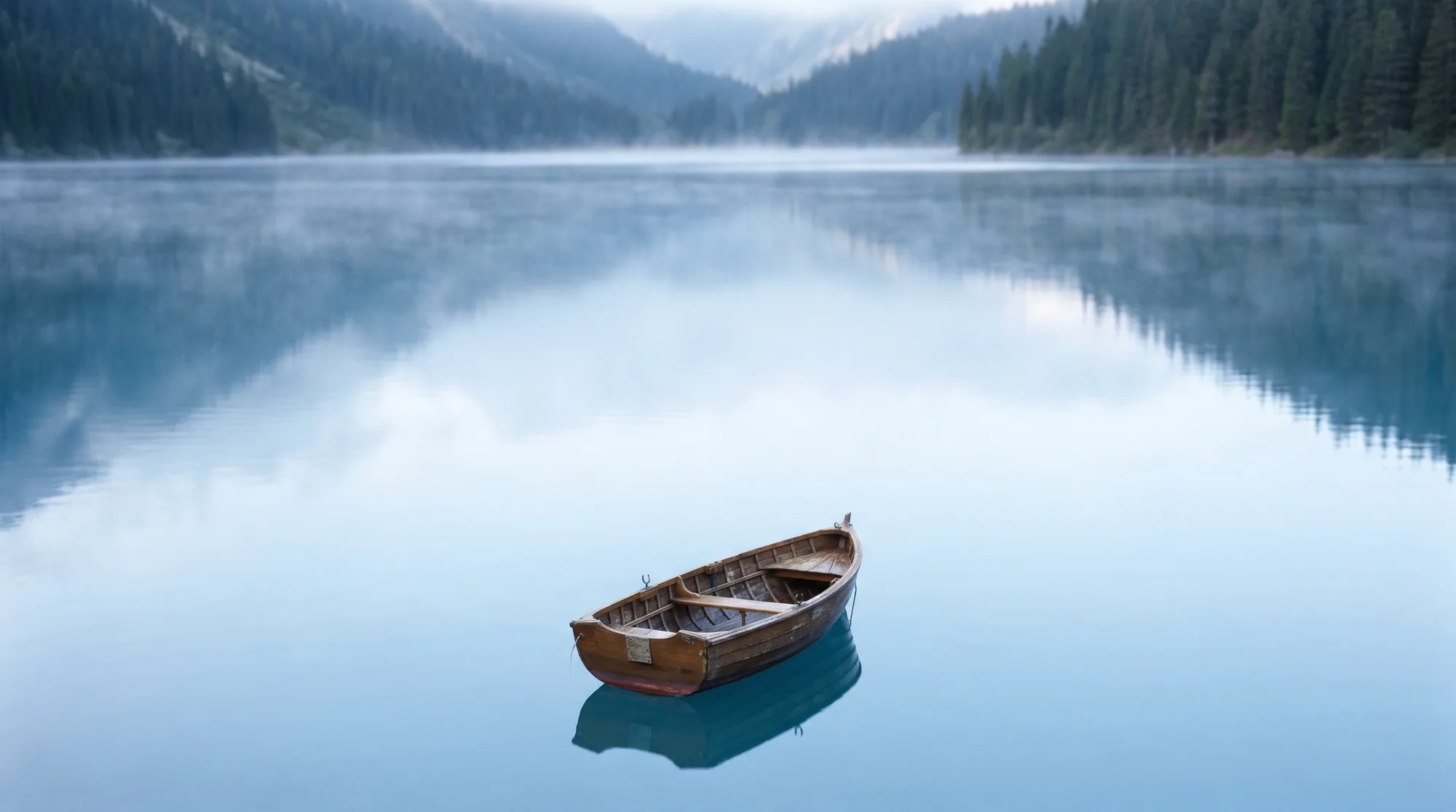
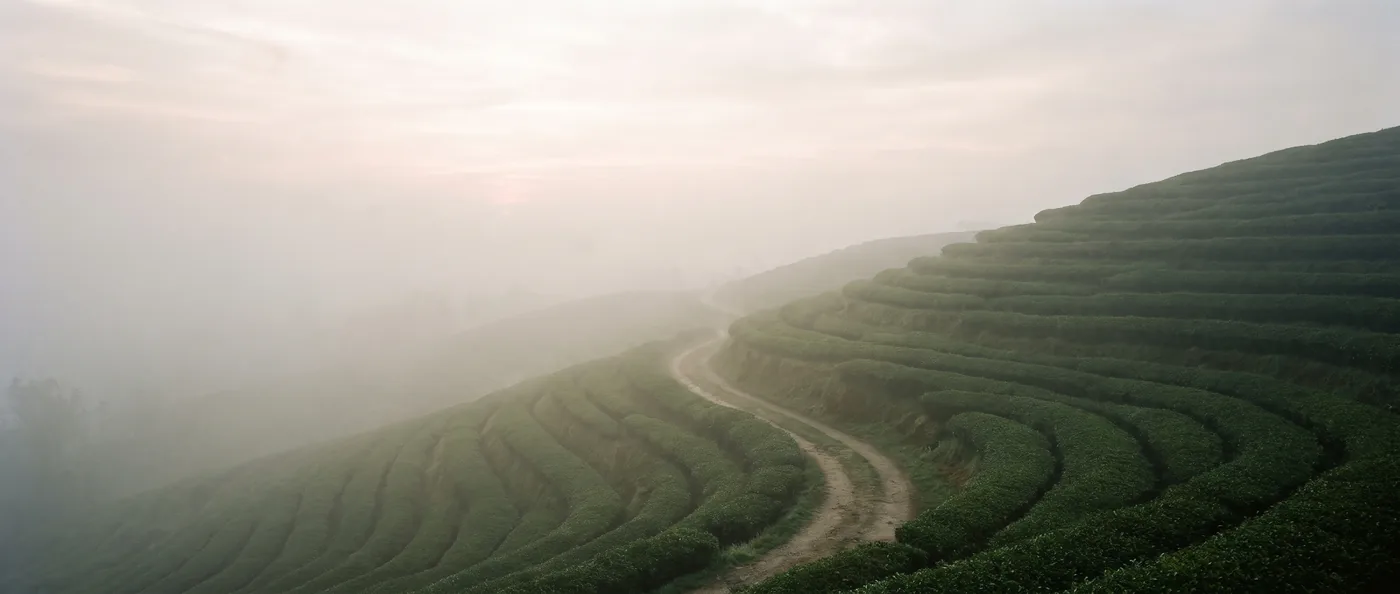
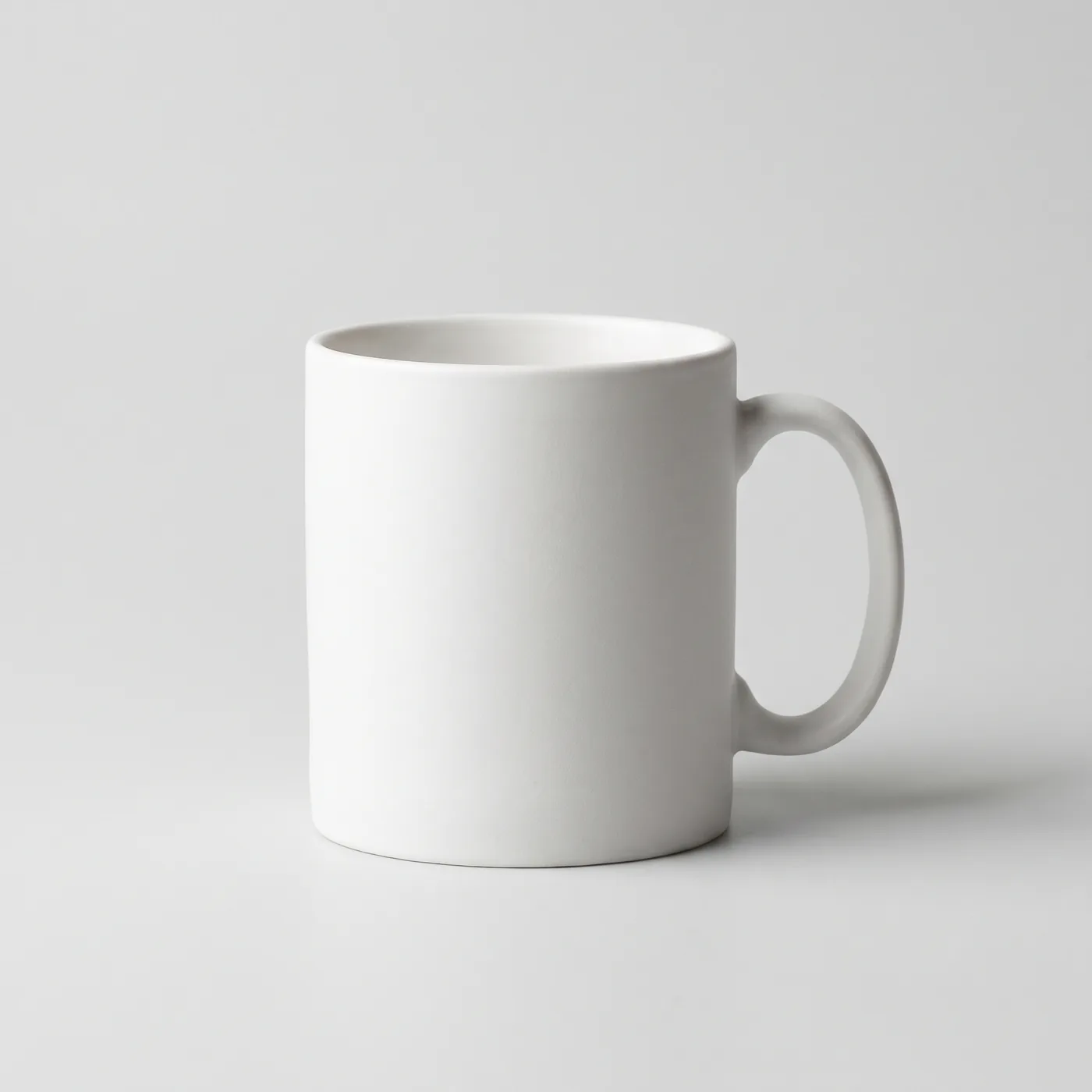
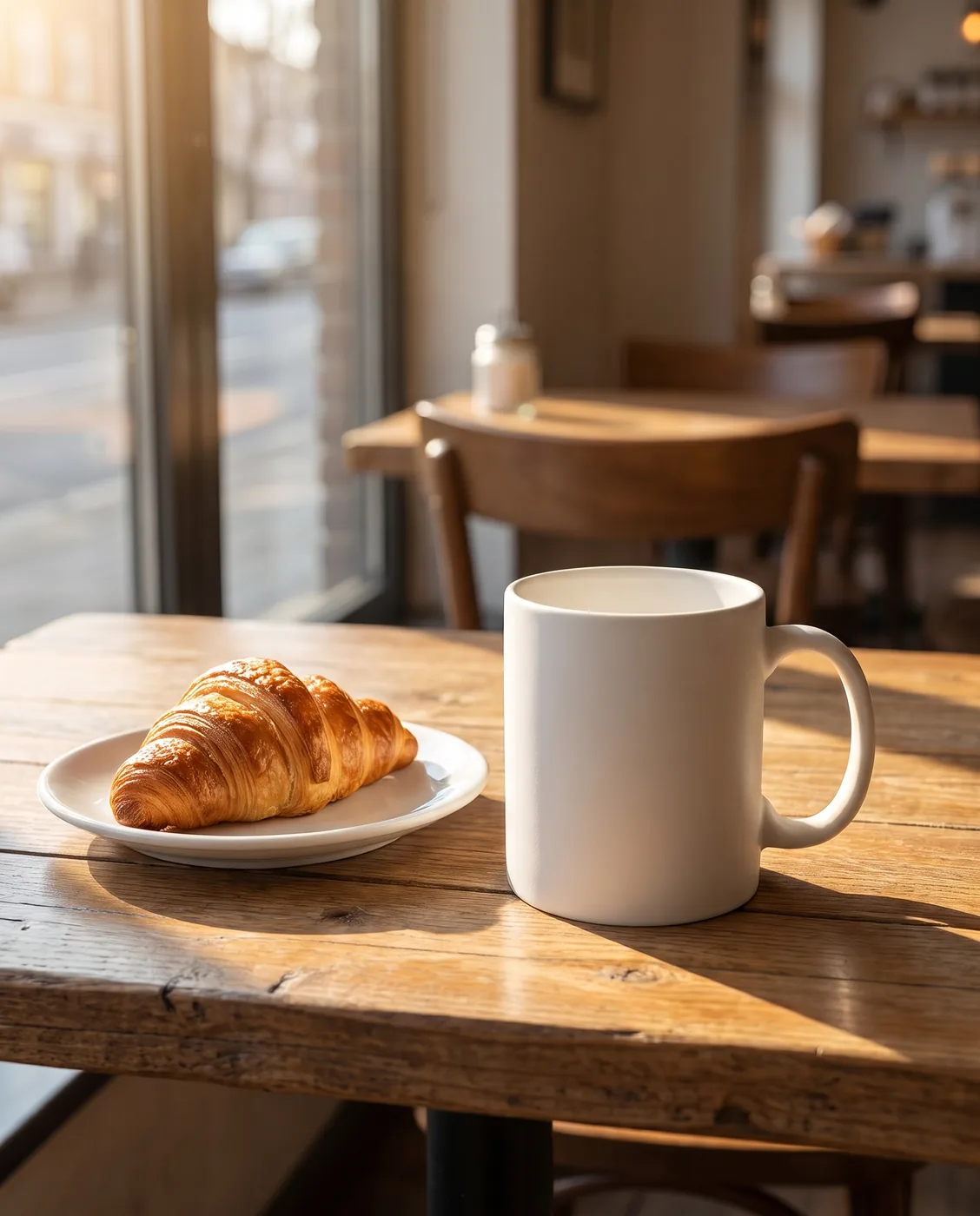
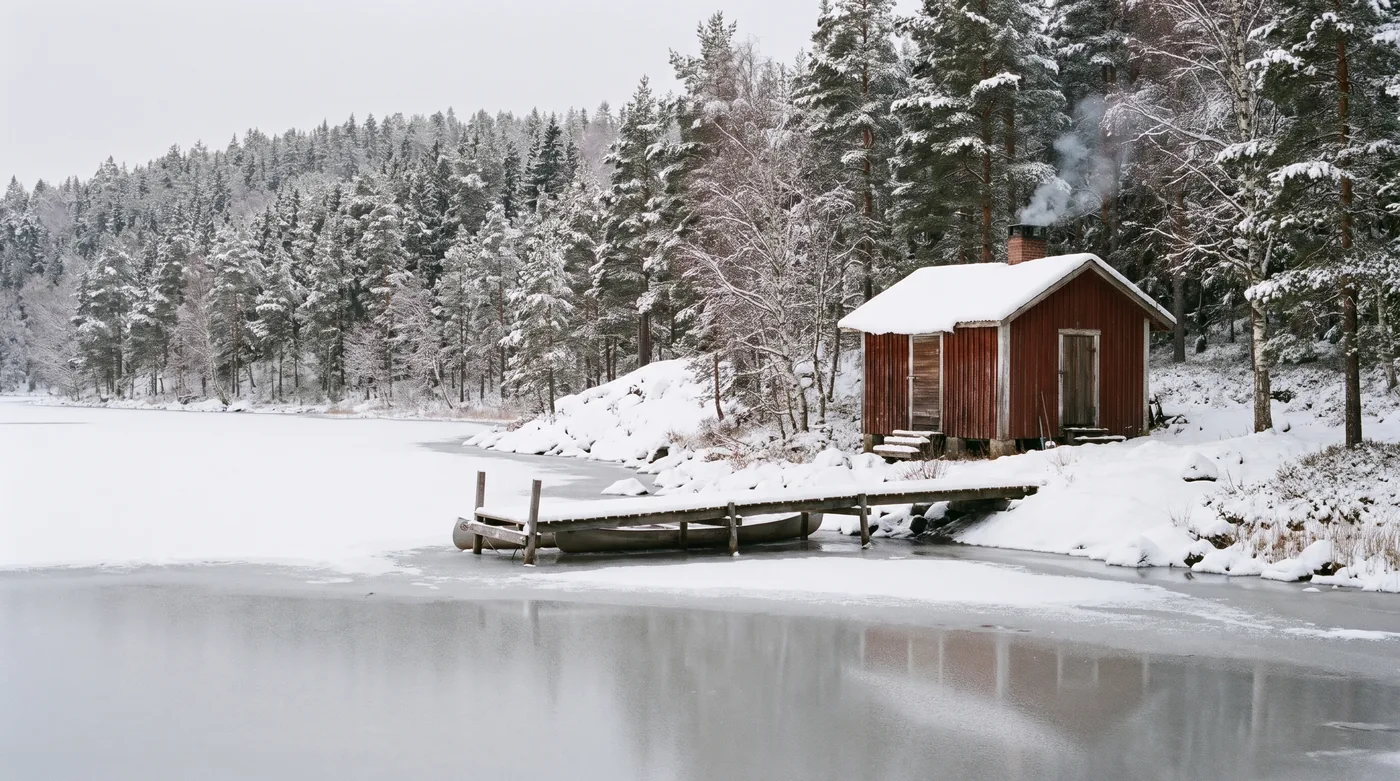
Every image on this page was made with LeapFun AI Image (HD, 2K), unretouched.
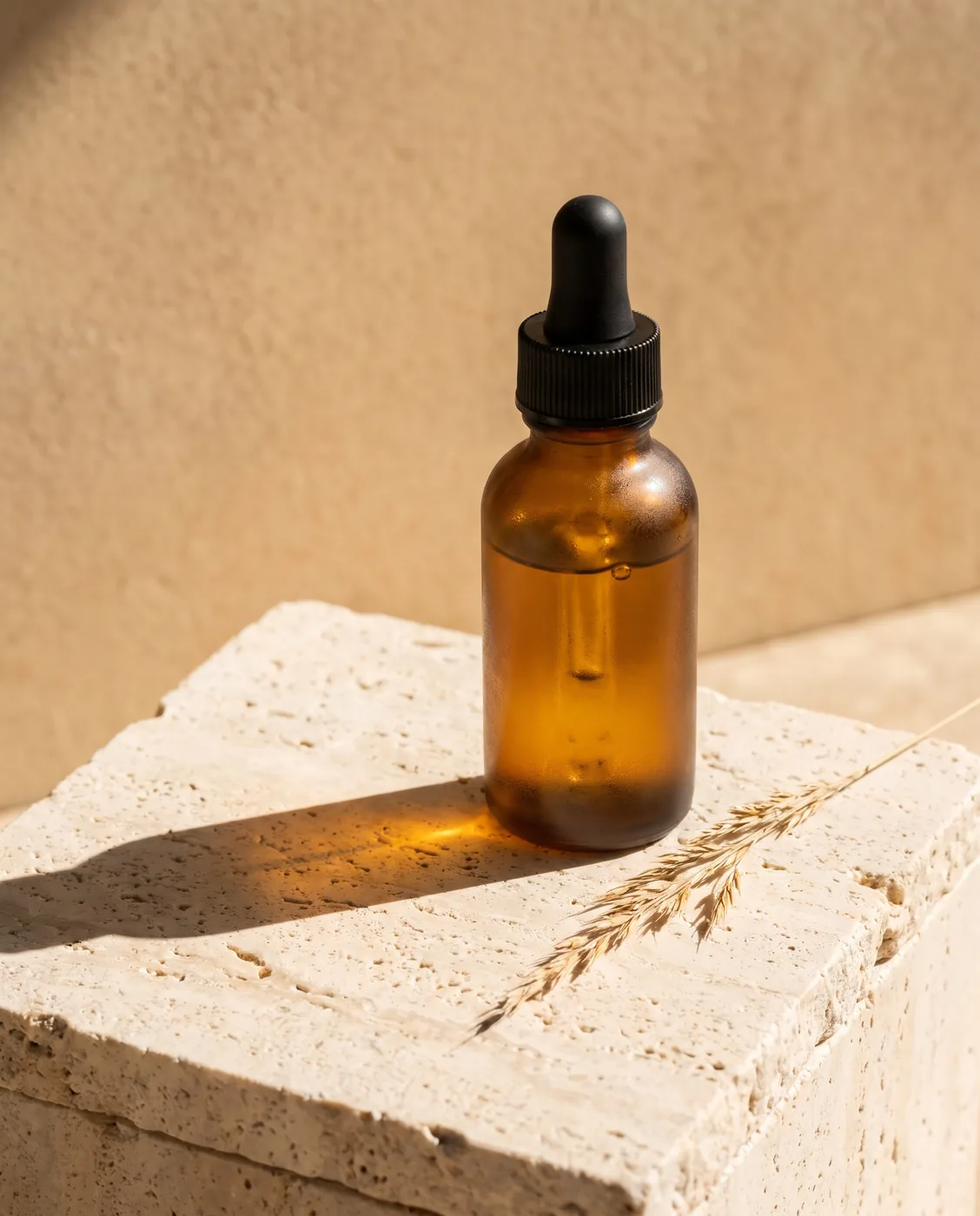 4:5Product shots
A clean studio background or a styled scene from one reference photo, in the 4:5 and 1:1 crops that shops and feeds use.
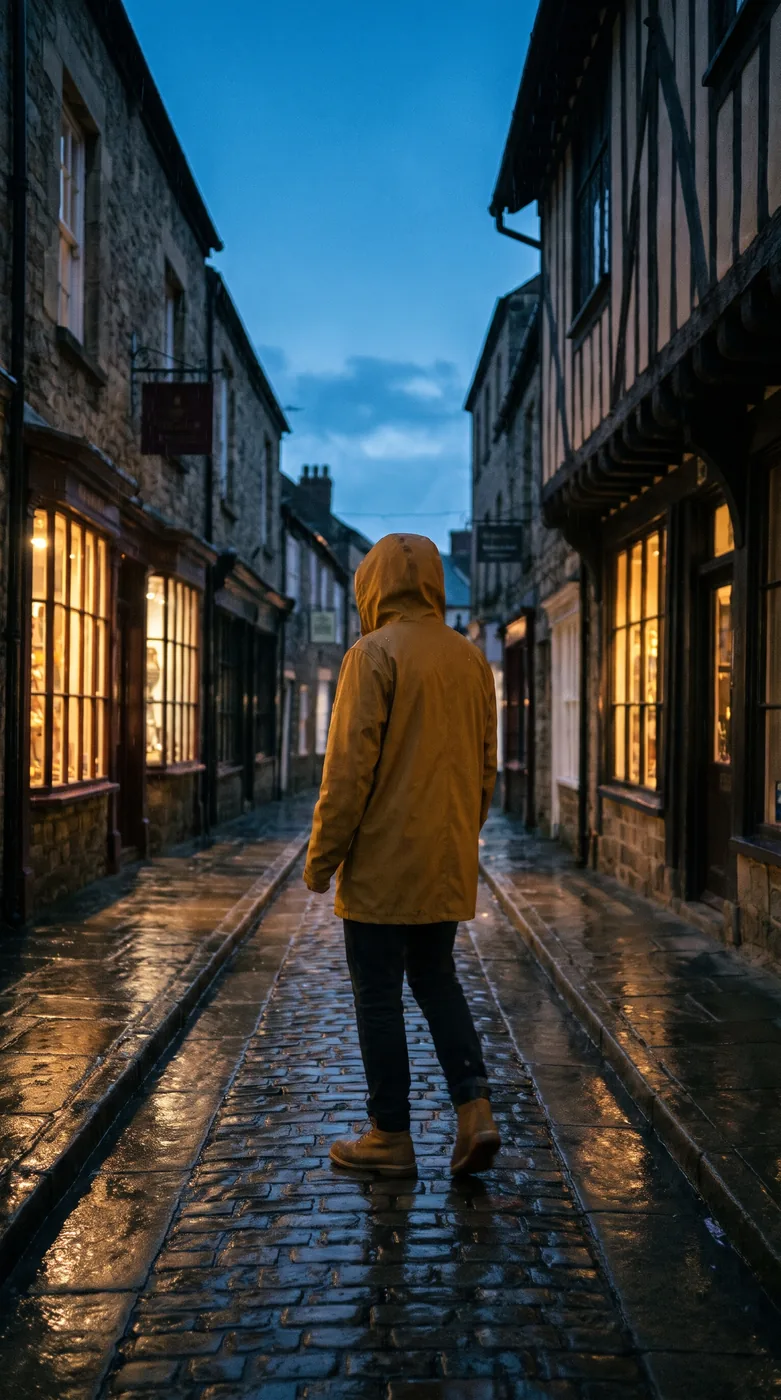 9:16Social posts
9:16 for Stories and Reels covers, 4:5 for feed posts. Generate up to four per run and keep the strongest.
- 16:9Thumbnails and covers
16:9 images for YouTube thumbnails and video covers. Leave room in the description for the title you'll add in your editor.
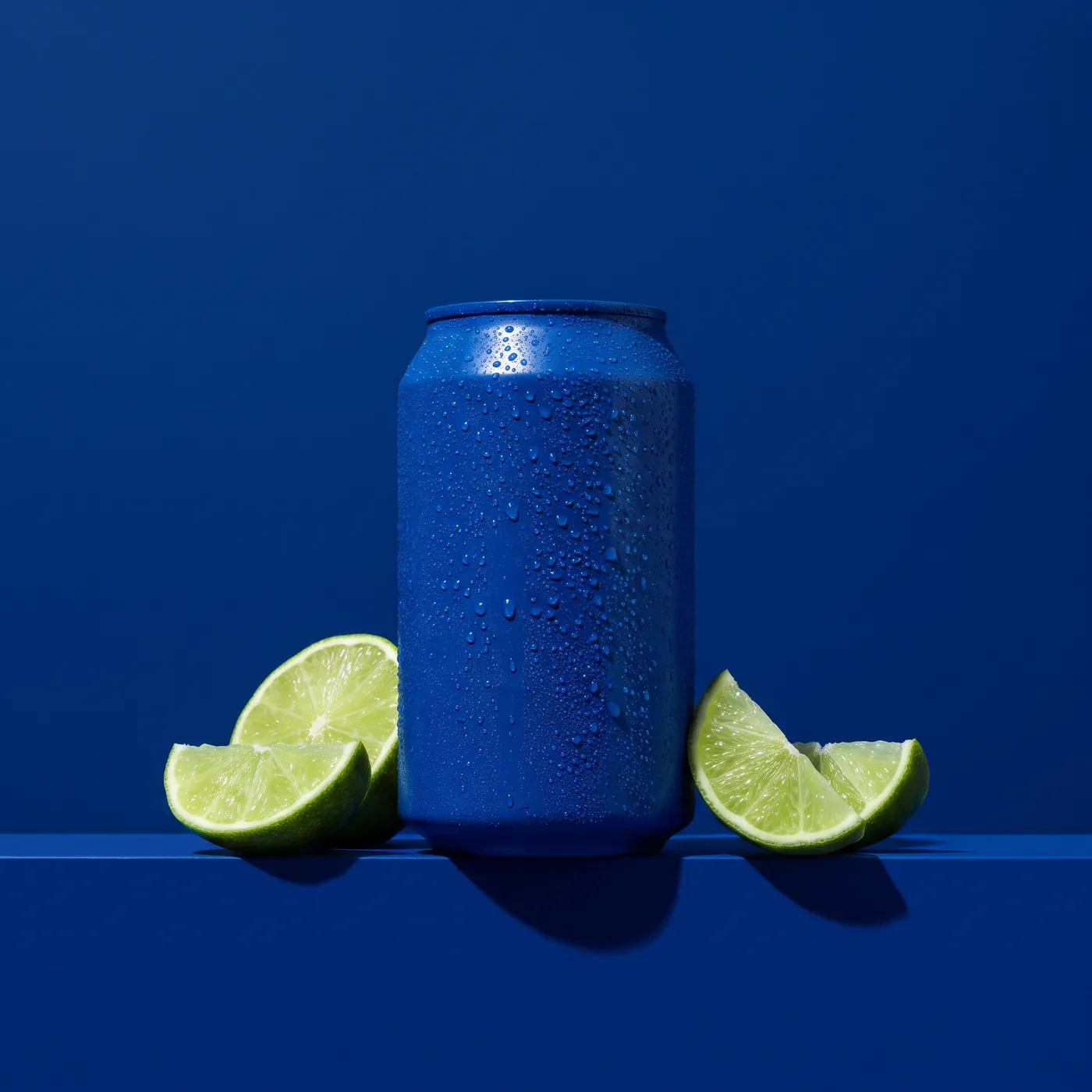 1:1Ad creative
Several takes on one concept for testing. Feed the winner back in as a reference to make variations.
- 16:9Story scenes
Illustrated scenes for faceless story channels and audiobook promos, kept consistent by reusing earlier results as references.
- 21:9Banners and headers
21:9 and 16:9 for site headers, channel art and slide backgrounds.
Quality and plans
| Quality | Size | Plans |
|---|---|---|
| Standard | 1K | Every plan (Free: up to three images per account) |
| HD | 2K | Starter and up |
One credit balance pays for everything on LeapFun: voice and images. Each image costs a fixed number of credits, shown on the Generate button before you click. Commercial rights start with Starter. Current rates and yearly pricing are on the pricing page.
Frequently asked questions
Can I use the AI image generator for free?
Each Free account can create up to three images at Standard (1K) size with the credits you get on sign-up. They carry a small corner mark. More images, and HD, need a paid plan from Starter ($6 a month).
Can I use the images commercially?
Yes on paid plans. Starter and above include commercial rights for the images you create, as they do for audio. Free images are for personal and evaluation use.
How do reference images work?
Add up to eight images and describe the change: a new background behind a product, an object added or removed, a style taken from another picture. Upload only images you own or have permission to use. Photos of real people aren't supported yet.
Which sizes and aspect ratios can I choose?
Standard renders at 1K and HD at 2K. Aspect ratios are auto, 1:1, 4:5, 3:4, 2:3, 9:16, 16:9, 3:2, 4:3, 5:4 and 21:9. On auto with reference images, the shape follows the first reference.
What can't AI Image do yet?
The largest size is 2K; there is no 4K option. Photos of real people can't be used as references. Every result passes a content check before it's shown, and if any image in a run is blocked, the whole run is refunded and its images are removed.
Make your first image
Sign up and your 3,000 credits cover the first one. No card needed.
Create an image